Swing Trading, Simplified.
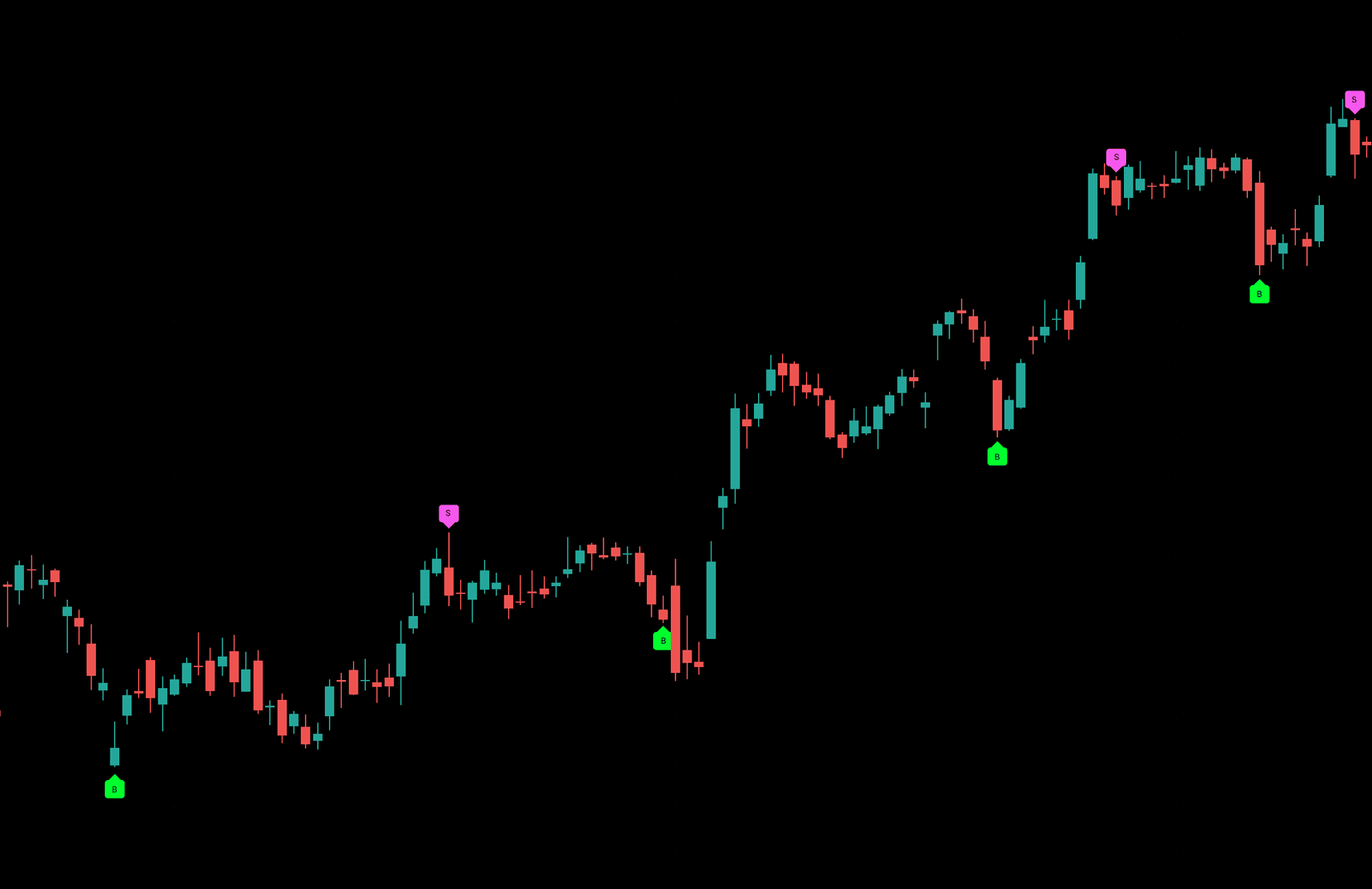
Swing trading signals for daily charts on TradingView.
Keep your perspective as markets move
Yinly brings a rules-based perspective to daily price action, helping you review potential setups with a consistent framework.
Get Yinly on your chart
Choose a paid membership, or explore historical signals with Preview.
Preview
Free5-day access
- Past 12 months of historical signals
- Most recent 30 days hidden
- No alerts
Monthly
$49/moBilled monthly
- All B and S signals
- Invite-only TradingView script
- Cancel anytime
Quarterly
$129/3 moBilled every 3 months
$43/mo equivalent
- Everything in Monthly
- Save $72 a year
Yearly
$399/yrBilled once a year
$33.25/mo equivalent
- Everything in Monthly
- Save $189 a year
What members say
Frequently Asked Questions
Which stocks and timeframes does Yinly support?
Yinly supports all stocks available on TradingView. The indicator must be used on the daily (1D) timeframe; other timeframes are not supported.
When are signals confirmed?
Signals are confirmed when the daily candle closes. While the candle is still forming, signals may appear or disappear. Once confirmed, they remain unchanged.
How long does it take to get access to the Yinly indicator?
Access to the Yinly indicator is usually granted within 48 hours after your payment is confirmed. You'll need your own TradingView account to use it.
How do I cancel my membership?
Log in to your Yinly account, select Manage billing, and cancel your subscription in Stripe's customer portal.
Can I get a refund?
Membership payments are not refundable, except where the law requires otherwise. That covers both your first payment and every renewal, so cancelling before a renewal is how you stop the next charge. Preview is free and optional, and using it or skipping it does not change this either way. Confirmed billing errors, such as a duplicate charge, are corrected separately — email support@getyinly.com. The Billing & Cancellation policy linked at the foot of this page has the detail.